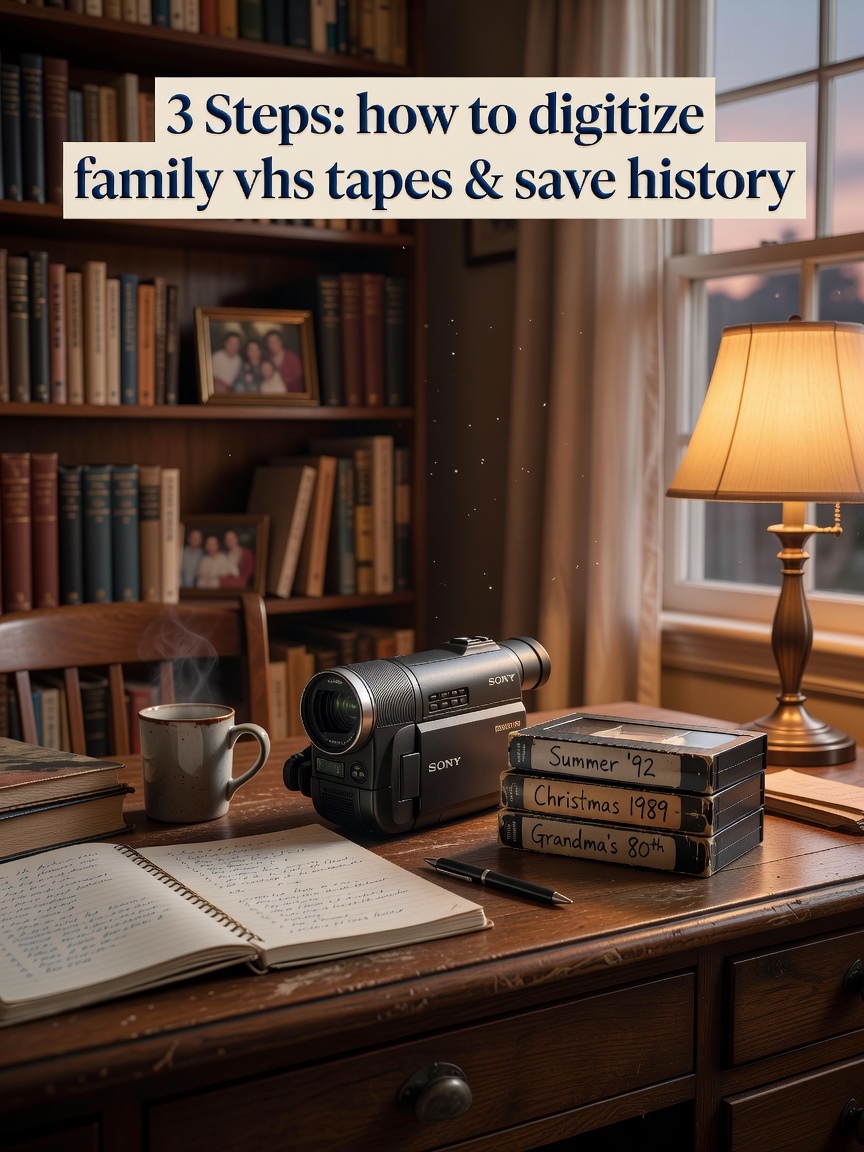
Digitizing VHS tapes involves converting analog video to digital files using a service or home equipment. The crucial next step is organizing these files into a shareable family archive, a process made simple and private with a dedicated platform like Kinnect, ensuring memories are preserved and accessible for generations.
Digitizing VHS tapes is the process of converting analog video signals from a magnetic tape into a digital file format, such as MP4. This is typically achieved using a VCR connected to a computer via an analog-to-digital converter, or by using a professional digitization service.
Kinnect is now LIVE! Start your private family group today.
👉 Try Kinnect on the Web
👉 Download the iOS App
That box of tapes in the attic isn't just a storage problem, is it? It’s a box of ghosts. It’s your grandmother’s voice at Thanksgiving, 1992. It’s the wobbly first steps of your child, a moment you can almost feel but can't quite see clearly anymore. I know that feeling. After I lost my dad, I found a box just like it, and a wave of panic hit me: these memories are fading, literally. The magnetic tape is degrading, and the machines that play them are disappearing.
This isn't just a technical project; it's an act of rescue. And it's more common than you think. Our research shows a painful Legacy Preservation Gap: 85% of adults in their 40s and 50s say they wish they had recorded their parents' voices and stories before they passed, yet so few of us have a system in place to save what we already have. This guide isn't just about converting formats. It’s about turning that box of tapes into a living library of your family’s story, a gift for the generations who are yet to come.
Beyond the Transfer: Turning Digital Files into a Family Archive
Most guides stop the moment the video file is on your computer. But that’s where the most important work begins. A folder full of files named “VIDEO_001.mp4” isn’t an archive; it’s just a digital version of the dusty box. Here’s how to build a real legacy.
Step 1: Create a Simple, Scalable Organization System
Before you digitize a single tape, decide on your naming system. The goal is for a family member to understand it 50 years from now. A simple, powerful format is YYYY-MM-DD_Event_Key-People. For example, 1994-12-25_Christmas-at-Grandmas_Smith-Jones-Families.mp4. Create folders for each year. This small bit of discipline now prevents a massive headache later and turns a chaotic folder into a browsable history.
Step 2: Curate the Moments, Not Just the Hours
Let's be honest: no one is going to watch three straight hours of a shaky video from a 1998 birthday party. The magic is in the moments. Use a simple, free video editor (like iMovie on Mac or Clipchamp on Windows) to find the gold. Create short, 1-5 minute clips: Dad blowing out his 40th birthday candles, the cousins' disastrous talent show, Mom telling that one story she always told. In families with regular storytelling traditions, children show 37% higher scores on family cohesion measures (Source: Journal of Family Psychology, 2008). You're not just editing video; you're bottling the moments that define your family.
The Hidden Variable: The Emotional Weight of the Unwatched Tape
The biggest barrier to this project is rarely the technology. It’s the emotional effort required to press play. You will see people you've lost. You will hear their voices again. You will be transported back to moments of profound joy and maybe even sadness. Give yourself grace. This isn’t a task to rush through in a weekend. It's a journey. Do one tape at a time. Let yourself feel what comes up. The goal isn’t just to preserve the media, but to reconnect with the love contained within it.
Step 3: Share Privately and Securely
Your family’s most precious moments don't belong on platforms designed for public broadcast and data collection. Public social media sites compress your videos, own the content you upload, and their business model is based on analyzing your family's data to sell ads. The goal is to share, not to perform. You need a private space where your family’s archive can live, safe from algorithms and advertisers, accessible only to the people who cherish it. You need a vault, not a billboard.
Once you’ve curated these beautiful moments, they need a permanent home—a place built exclusively for the unique way families connect. Kinnect was created to be that private, secure space. It’s a place to build your family’s living archive, share these rediscovered videos, and add the stories behind them, ensuring they’re not just seen, but understood and passed down forever. It’s not another noisy group chat; it’s your family’s digital heart.
How can I digitize VHS tapes without a VCR?
The easiest and often highest-quality option is to use a professional digitization service. They use professional-grade equipment that can often handle older, more fragile tapes better than consumer VCRs, saving you the hassle of finding and setting up old hardware.
What is the best format to convert VHS to?
The best and most universal format is MP4 with the H.264 codec. This format provides an excellent balance of high quality and manageable file size, ensuring it will be playable on virtually any device—from phones to TVs—for many years to come.
Is it better to convert VHS to DVD or digital?
It is far better to convert to a digital file (like MP4) than to a DVD. DVDs are also a physical, degradable format that can get scratched or suffer from 'disc rot' over time. A digital file can be easily copied, backed up to cloud storage, and shared infinitely without any loss of quality.
How much does it cost to convert VHS to digital?
Costs can vary. Professional services typically charge between $15 to $35 per tape, often offering discounts for bulk orders. A do-it-yourself setup might cost between $50 and $150 upfront for the necessary hardware, which can be more economical for very large collections.
Learn more at Kinnect.
