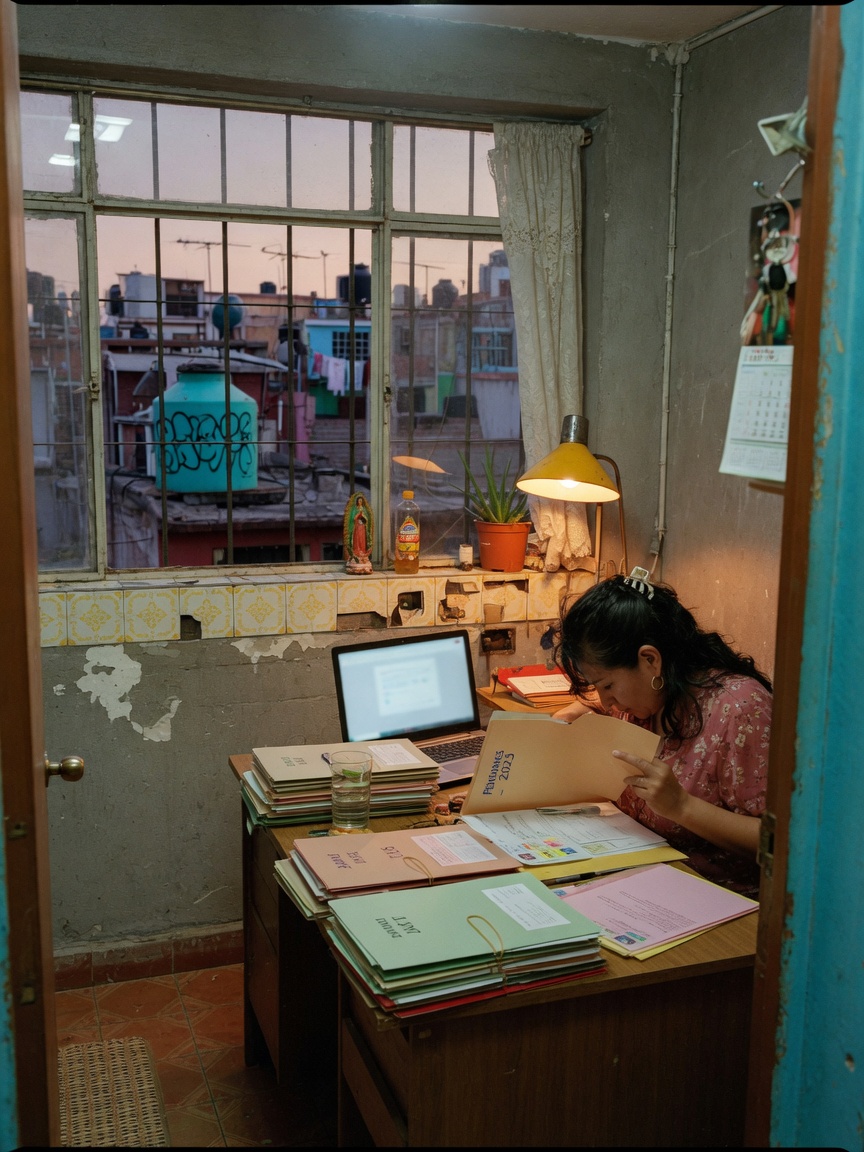
To document family history digitally, you'll want to start by gathering all your existing physical records, digitizing them, and then organizing them into a structured, accessible system. This isn't just about scanning photos; it's about making sure those memories, stories, and vital details don't get lost in a shoebox or forgotten in an old hard drive.
Kinnect is now LIVE! Start your private family group today.
👉 Try Kinnect on the Web
👉 Download the iOS App
You probably have stacks of old photos, handwritten letters, journals, or even a box of random memorabilia stashed away. Maybe there are some old home videos on VHS tapes, or audio cassettes of grandparents telling stories. None of it's organized, and certainly, none of it's backed up in a way that feels permanent or easily shared. It feels overwhelming to even start.
Begin by making a list of all the different types of physical items you have. This helps you figure out what tools you'll need. For photos and documents, a good flatbed scanner or even a high-quality smartphone scanning app works well. For videos and audio, you might need to find a local service that specializes in digitizing old media formats. Don't try to do it all at once; pick one type of media, like photos, and focus on that first.
Once things are digital, the real work of organization begins. Just having a bunch of JPEGs in a folder isn't enough. You need to name files clearly, including dates and names where possible. Think about what information you wish you had about these items. Who's in the photo? Where was it taken? What year? Add this as metadata or in file descriptions. This step is crucial because it transforms a random image into a piece of your family's story.
Many families don't realize how much of their history is just floating around, undocumented. According to a 2010 study by Marshall Duke and Robyn Fivush at Emory University, children who know their family history have higher self-esteem, a stronger sense of identity, and greater resilience. That's a powerful reason to put in the effort now, making sure those stories and images are preserved.
You'll also want to reach out to other family members. They might have their own collections of photos, letters, or stories that fill in gaps in your own archive. Combining resources can reveal a much richer, more complete picture of your shared past. Just be sure to set clear expectations about how you'll handle their original items and how you'll share the digitized versions.
Building a lasting digital family archive
Once you've digitized and initially organized your materials, the next big step is to create a digital archive that's truly lasting. This means moving beyond just folders on a hard drive. You need a system that's secure, accessible to relevant family members, and structured to hold stories, not just files.
Cloud storage services like Google Drive or Dropbox are a good start for backups, but they're not really designed for family history. They're file repositories, not narrative tools. You can store your scans there, but they don't help you connect people to stories, or trace relationships, or even easily search for a specific memory about an ancestor.
You'll also want to capture the stories behind the photos and documents. This is where the living history comes in. Ask your older relatives to tell you about the people and events in the pictures. Record these conversations, whether it's audio or video. Transcribe key parts. These personal narratives are often the most precious part of your family history, and they're the easiest to lose if not captured.
Think about how your family tree connects to these memories. A photo of your great-grandparents is more meaningful when you know their names, where they lived, and a snippet of their life story. A 2018 study in the Journal of Family Issues found that people who feel a strong sense of family identity report 36% higher overall life satisfaction. Connecting those dots isn't just for genealogy buffs; it builds stronger personal ties.
The hard part is that someone still ends up being the hub — the one digitizing everything, tagging files, texting everyone for stories, and managing who has access to what. It's a lot of work, and it often falls on one person. That's why many families eventually look for a dedicated space. A private, invite-only platform that helps families preserve memories, stories, and essential life information across generations becomes necessary.
Kinnect provides a dedicated space where your digital family record lives, organized by person and relationship. It's not just storage; it's structured to connect stories, photos, and documents directly to the people they're about. Every piece of information becomes part of a living family history, accessible to everyone in your private Kin Group.
Q: What if my family isn't tech-savvy?
A: Many platforms, including Kinnect, are designed with ease of use in mind. Look for systems that have a simple interface and clear instructions. Often, family members who aren't usually 'techy' get excited when they see their own history come to life, and that motivation helps them learn.
Q: My relatives are private. How do I get them to share?
A: Start by sharing a few of your own memories or photos first. Emphasize that the platform is private and invite-only, so only trusted family members will see the content. Explain why their stories matter to you and future generations, focusing on the legacy aspect, not just 'sharing.'
Q: What kind of information should I prioritize saving?
A: Prioritize personal stories, unique family anecdotes, and details about ancestors that aren't widely known. Photos with unknown people or locations are also urgent. Anything that only one person knows, or only exists in one physical copy, should be at the top of your list to digitize and document.
Q: How do I ensure these digital records last forever?
A: No single system guarantees 'forever,' but a multi-pronged approach is best. Use a reputable cloud-based platform like Kinnect that focuses on long-term preservation and data security. Also, keep local backups on external hard drives, and consider sharing copies with multiple family members. Redundancy is key.
Keep reading
Kinnect is now LIVE!
Experience the private family network on the web or download the iOS app today.