After digitizing VHS tapes, the crucial next step is to organize, contextualize, and share the video files to create a lasting family archive. A private family platform like Kinnect provides a secure, permanent home for these memories, allowing relatives to add stories and context for future generations.
Digitizing VHS tapes is the process of converting analog video recordings into digital file formats, such as MP4. This conversion is essential for preserving family memories from physical degradation, making them easily viewable on modern devices, and ensuring they can be securely stored and shared for future generations.
Kinnect is now LIVE! Start your private family group today.
👉 Try Kinnect on the Web
👉 Download the iOS App
You did it. That box of old home movies, the one that’s been sitting in the attic for twenty years, is finally safe. You sent them off to a digitization service or spent a weekend figuring out the cables yourself. The relief is huge. Those tapes, with their fading magnetic strips, were a ticking clock. My dad’s tapes were like that—I remember the panic I felt realizing that his laugh, his way of telling a story, was slowly turning to static.
But now you face a new, quieter problem. Instead of a box of tapes, you have a folder on your computer full of files with names like `VIDEO001.mp4` and `TAPE_07_PART2.mov`. You saved the footage, but did you save the memory? A video file isn't a story. It’s just data. The real work—the work that matters to your kids and their kids—is turning that data back into a story. It's about giving those moments a home where they can breathe again.
A Step-by-Step Guide to Building Your Digital Video Legacy
Simply having the files isn't the finish line. A hard drive can fail just as easily as a tape can snap. A folder of videos is a library with no librarian. Here’s how to build a true, living archive that your family will actually use and cherish for generations.
Step 1: Triage, Rename, and Organize
The first step is to get a handle on what you have. Don't try to edit or perfect anything yet. Just watch. As you do, rename each file with a consistent, meaningful system. A good format is `YYYY-MM-DD__`. For example, `1993-08-15_GrandmaAnns70thBirthday_MomAndDad.mp4`. This simple act transforms a chaotic folder into a chronological timeline of your family’s life. Create folders for major eras or family branches to make it even more navigable.
Step 2: Add the Missing Piece—The Story
This is the most important step. A video of a holiday is nice, but it becomes priceless when you add the context. Who are all those people? What’s the inside joke everyone is laughing at? Why was this day so important? Create a simple text document for each video, or better yet, find a platform where you can add comments and stories directly to the video. In families with regular storytelling traditions, children show 37% higher scores on family cohesion measures. By adding your memories, you’re not just labeling a file; you’re rebuilding the emotional world that surrounded that moment.
The Hidden Variable: The 'Context Collapse' of Digital Files
Conventional wisdom says that once a tape is digitized, the memory is saved forever. But the hidden truth is that digitization without context can actually destroy meaning. A file named `1994_video.mp4` means nothing to a grandchild who never met the people in it. The technology is preserved, but the legacy is lost. This is the Legacy Preservation Gap in action: our research shows 85% of Gen X adults wish they had recorded their parents' voices, yet very few have a system to preserve the stories that give those voices meaning. The real preservation work is reconnecting the digital file to the human story.
Step 3: Create a Central, Private, and Permanent Home
Where will these videos live? A USB drive will get lost in a drawer. A cloud storage folder is functional but sterile and hard to navigate for non-technical family members. And public social media platforms are the worst choice of all; their business models rely on data mining your family's moments, and their feeds are designed for temporary content, not permanent legacy.
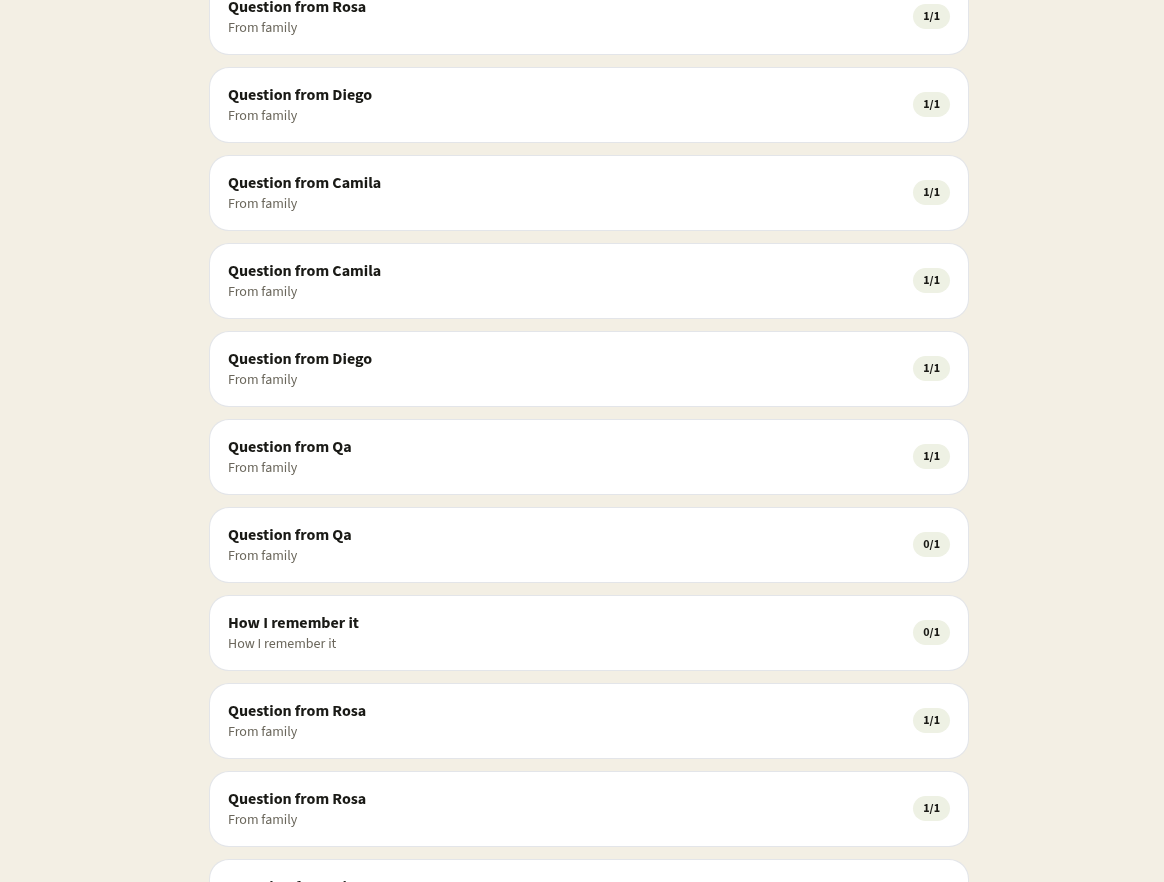
Your family's history deserves a dedicated, private space. A place built for remembering, not for scrolling. This is why we built Kinnect. It’s a private, secure home for your family's most important memories—like these newly digitized videos. You can upload them, and then invite family members to add their own comments, stories, and memories directly to the timeline. It turns a one-way broadcast of the past into a living conversation, connecting generations around the stories that truly matter.
Why is it better to convert VHS to digital instead of DVD?
Digital files, like MP4s, are far more versatile and future-proof than DVDs. They can be easily copied, shared online, and backed up in multiple locations without quality loss. DVDs are physical media that can still scratch, degrade, and become obsolete as players disappear.
How much does it cost to digitize a VHS tape?
Costs for professional digitization services typically range from $15 to $35 per tape, depending on the tape's length, desired quality, and any included repairs. DIY options have an initial hardware cost but can be more economical for very large collections.
What is the best way to digitize old VHS tapes?
For the highest quality, reliability, and safety of your original tapes, using a reputable professional service is the best method. If you are technically inclined and have many tapes, a DIY setup with a good VCR and an analog-to-digital converter offers more control and can be cost-effective.
Can I digitize VHS tapes myself?
Yes, it is possible to digitize tapes yourself. You will need a functioning VCR, an analog-to-digital video converter that connects to your computer (usually via USB), and software to capture the video. The process requires some technical setup but is achievable at home.
Learn more at Kinnect.