This guide provides a step-by-step framework for caregiver families to build a personalized technology stack based on their specific needs, covering communication, health management, and safety. A private family network like Kinnect can centralize these efforts, creating a single source of truth and connection away from the noise of group texts.
Kinnect is now LIVE! Start your private family group today.
👉 Try Kinnect on the Web
👉 Download the iOS App
Caregiver families use technology to create a custom 'tech stack' that addresses their unique needs, from shared calendars for appointments to private platforms for emotional support. The key is to first identify your biggest challenges—like communication or medication tracking—and then select specific tools to solve them.
Family caregiving technology is a personalized set of digital tools and apps designed to help family members coordinate, communicate, and manage the care of a loved one. This 'tech stack' works by centralizing information, automating reminders, and providing a dedicated space for updates, reducing stress and improving the quality of care for everyone involved.
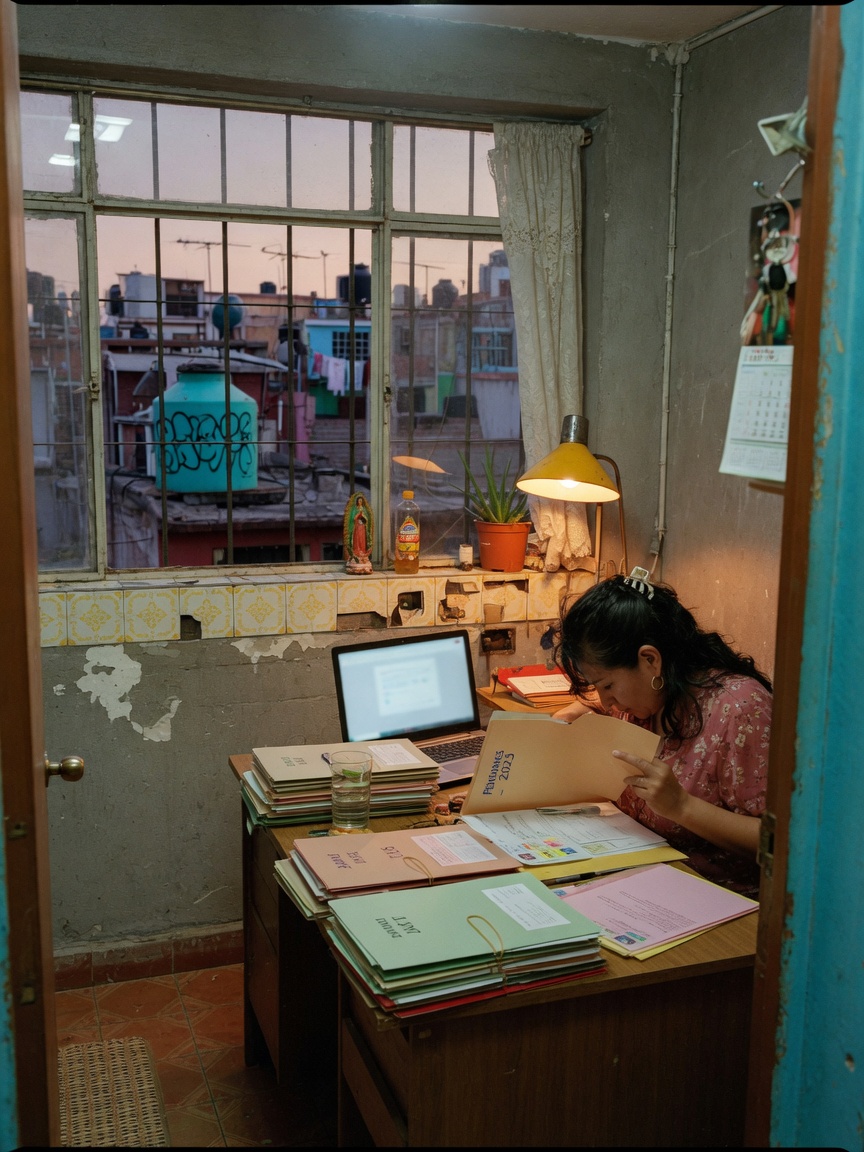
If you're one of the 53 million Americans providing unpaid care for a loved one, you know the feeling. It’s a quiet hum of anxiety under everything else. It’s the logistics—the appointments, the prescriptions, the calls with siblings—piled on top of your own life, your own job, your own kids. I remember trying to coordinate my dad's care with my sister who lived three states away. The group text was a chaotic storm of appointment reminders, well-meaning but unhelpful memes from an uncle, and a dozen 'ok' replies that buried the one question that actually mattered. It felt like we were failing him, not because we didn't care, but because we couldn't get organized.
The internet promises a single 'best caregiver app' to solve this, but that's a myth. Every family's situation is unique. The technology that works for a family managing early-stage dementia locally is different from what a family coordinating long-distance cancer care needs. The solution isn't finding one perfect app; it's about building your family's unique, custom toolkit. This guide will show you how.
The 3 Steps to Building Your Family's Caregiving Tech Stack
Instead of getting lost in app store reviews, take a step back. The most effective approach is a deliberate one. Think of it not as shopping, but as designing a system that fits your family like a glove.
Top 3 Steps for Choosing Your Caregiver Tech
- Step 1: Diagnose Your Core Challenges. Before you download anything, sit down—by yourself or with your siblings—and pinpoint the exact sources of stress. Is it missed appointments? Confusion over which medication was given when? Is it the emotional toll of feeling like you're the only one who truly understands the day-to-day reality? Be specific. Write down your top three pain points. Examples might be: 'Coordinating who takes Mom to her Tuesday PT,' 'Making sure Dad's voice and stories are saved,' or 'Giving my out-of-state brother a real, meaningful update instead of just logistics.'
- Step 2: Assign the Right Tool for the Job. Now, match technology to those specific needs. Don't look for one app to do it all. Build a small, powerful stack.
- For Logistics & Scheduling: Use a shared digital calendar (like Google Calendar) for appointments. For more complex scheduling involving multiple family members, a dedicated app like CaringBridge can help organize tasks and visits.
- For Medication Management: An app like Medisafe is excellent for tracking doses and sending reminders. It's a specialized tool that does one thing perfectly, preventing dangerous mistakes.
- For Safety & Monitoring: If falls or wandering are a concern, medical alert systems or GPS tracking devices (like Jiobit) provide peace of mind that a general-purpose app cannot.
- For Connection & Legacy: This is the most important piece, and the one most often overlooked. The endless logistics can easily crowd out the actual human connection. Our research on the 'Messaging Noise' phenomenon shows that 70% of family group text messages are logistical noise, burying the moments of true connection. You need a separate, sacred space for sharing a cherished memory, a health update with emotional context, or a video of a good day. This is where you preserve the person, not just the patient.
- Step 3: Choose Your Family's 'Home Base'. You'll have a few specialized tools, but you need one central place to tie it all together. A place that isn't a chaotic group text or a public social media platform. This is your family’s private hub for the updates that matter, the memories you’re terrified of forgetting, and the emotional support you all desperately need. It’s the quiet, digital living room where you can be a family first, and caregivers second.
That constant app-switching and the emotional drain of noisy group chats is exactly why we built Kinnect. It’s designed to be your family’s private, permanent home—a single place to share meaningful updates, organize important information, and save the stories and voices you never want to lose. It cuts through the logistical noise so you can focus on what matters: each other.
Kinnect is now LIVE. You can build your family’s private home today.
Learn more about Kinnect and Download on the App Store.
What is the best app for organizing care for elderly parents?
There is no single 'best' app, as the right choice depends on your family's specific needs. The most effective strategy is to build a 'tech stack'—using a shared calendar for appointments, a medication reminder app for health, and a private platform like Kinnect for communication and storing memories.
How do you keep your family updated on a sick parent?
Establish a single source of truth, like a private online space away from chaotic group texts. This allows for detailed updates without overwhelming everyone. A platform like Kinnect provides a dedicated, organized place for sharing health news, emotional reflections, and important documents with designated family members.
Is there an app for scheduling family caregivers?
Yes, apps like CaringBridge and Lotsa Helping Hands are designed specifically for coordinating schedules and tasks among a team of family and friend caregivers. For simpler needs, a shared Google Calendar can also work well for tracking appointments and assigning responsibilities.
Keep reading
- Reconnect: record memories parent dementia early stage
- grief while caregiving family: Even when they decline
- best caregiver app for family that actually works
Building a system to manage care is vital, but so is maintaining the warmth of your family bond. To explore how technology can deepen your connection, read about how to use video messages to finally find warmth and strengthen family ties.