Family stories are more than memories — they’re a legacy. Yet, many of us struggle to organize scattered photos, anecdotes, and milestones into one cohesive collection. A memory book is a beautiful way to preserve these stories for generations, and with the right tools, the process can be simple and meaningful. In this article, we’ll guide you through the steps to turn your family’s stories into a cherished memory book.
Why Create a Memory Book?
Creating a Legacy
A memory book isn’t just for you; it’s for your children, grandchildren, and future generations. These books preserve stories that might otherwise fade, ensuring your family’s legacy lives on.
Strengthening Connections
Reflecting on shared moments fosters deeper relationships. A memory book brings families together, sparking conversations and memories that build lasting bonds.
A Tangible Keepsake
In a digital age, holding a physical book filled with family stories feels special. It’s something you can pass down, revisit, and cherish over time.
How to Organize Family Stories Into a Memory Book
Step 1: Gather Your Family’s Stories
Start by collecting memories from family members:
- Use categories to organize: childhood memories, milestones, holidays, and traditions.
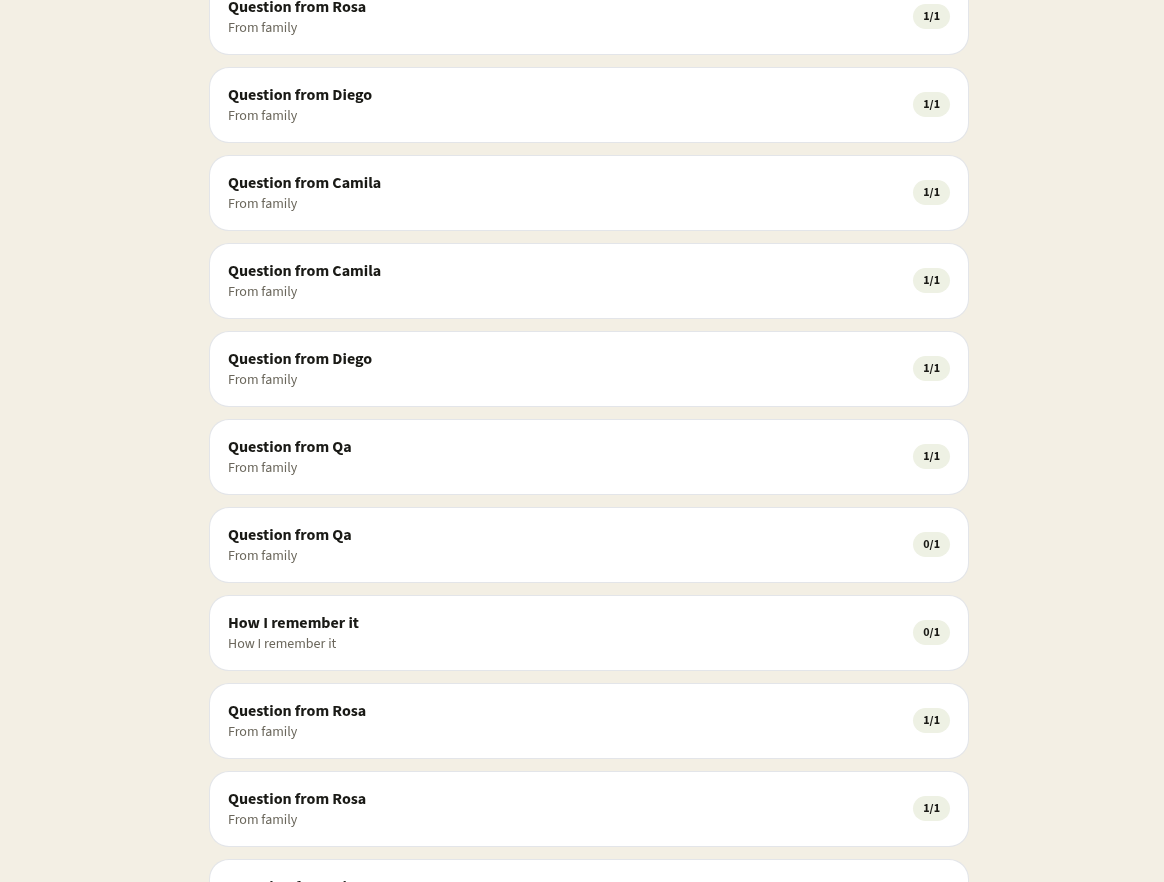
- Kinnect’s daily prompts make it easy to capture these moments through reflective questions.
Step 2: Choose a Format for Your Memory Book
Decide if you want a physical book or a digital version:
- Kinnect offers customizable story templates that guide you through the design process.
Step 3: Organize Stories Chronologically or Thematically
- Chronological: Start from the earliest memories and move forward.
- Thematic: Group stories by topic, such as “Family Traditions” or “Life Lessons.”
Step 4: Add Photos and Visual Elements
Enhance your stories with family photos, handwritten notes, or drawings:
- Kinnect’s book allows you to include QR codes for videos, making the experience interactive.
Step 5: Create and Share Your Book
Finalize your design with Kinnect’s easy-to-use tools:
- Order your memory book, and share it with your family to celebrate your collective legacy.
How Kinnect Makes It Easier
Daily Prompts to Spark Reflection
Kinnect provides thoughtful questions to help you capture meaningful stories. No need to brainstorm — simply respond to the prompts, and watch your story unfold.
Voice-to-Text Technology
With Kinnect, you can speak your memories aloud, and the app converts them into text, making storytelling effortless.
Customizable Templates
Kinnect’s templates allow you to design a book that reflects your family’s unique personality. Include photos, QR codes, and more for a personalized touch.
Interactive Features
Add QR codes to your memory book to include videos or voice recordings. Imagine your future grandchildren hearing your voice share a cherished story.
Why Choose Kinnect for Your Memory Book?
Seamless App-to-Book Integration
Start with the app, and transform your stories into a physical book effortlessly.
Customization Options
Choose from various templates, styles, and layouts.
Global Accessibility
International shipping and multilingual support make it easy to create and share your book worldwide.
Tips for Capturing Stories with Kinnect
- Start Small: Focus on one story at a time.
- Collaborate with Family Members: Use Kinnect’s “Capture Together” feature to involve others.
- Set Aside Time Weekly: Dedicate an hour each week to reflect and record memories.
Real Stories from Kinnect Users
"When I gave my mom our Kinnect memory book, she cried. It wasn’t just a gift — it was a piece of our family’s heart captured forever." – Sarah M., Kinnect User
"The prompts helped me uncover stories I hadn’t thought about in years. Now my kids will always know them." – James L., Kinnect User
Frequently Asked Questions
Q: Can I include videos in my memory book?
A: Yes! Kinnect allows you to add QR codes to your book, linking to videos or voice recordings.
Q: Do I need design experience to create a book?
A: Not at all. Kinnect’s templates guide you through the process step by step.
Q: How long does it take to create a book?
A: It depends on how many stories you want to include, but Kinnect’s tools make it easy to complete in a few sessions.
Start Capturing Your Family’s Stories Today!
- Sign up for the Kinnect App to begin your memory book journey.
- Create a book your family will treasure forever.
With Kinnect, preserving your family’s legacy has never been easier. Start your memory book today.
Keep reading
Kinnect is now LIVE!
Experience the private family network on the web or download the iOS app today.