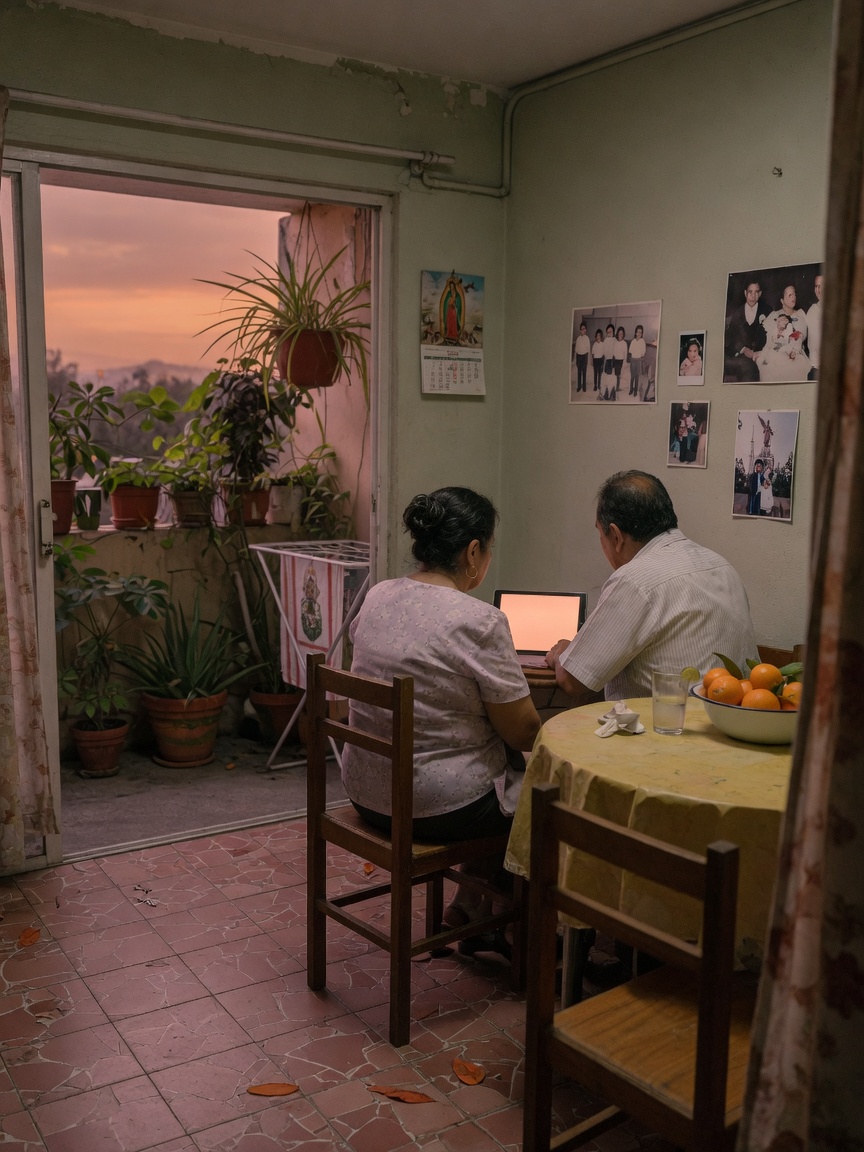
Sharing a family tree privately involves more than just sending an invite; it's about creating a collaborative space for storytelling. While genealogy sites offer basic privacy, a dedicated private family network like Kinnect is built to turn a static tree into a living, interactive family legacy.
Bottom Line: To share a family tree privately, use your platform’s privacy settings to send direct invitations to family members. This creates a secure, invitation-only space where you control who can view or edit your family's history, protecting your stories and data from public search engines.
I remember the day I found a box of my grandfather’s letters from the war. His handwriting, the thin paper, the way he wrote to my grandmother—it was like discovering a secret part of our family’s heart. My first instinct was to share them with my cousins, to let them feel what I felt. But my second thought was a hard stop: I couldn’t just upload these to a public genealogy site. This wasn't data for strangers; it was our story, intimate and fragile. That feeling—the deep need to share, walled off by an equally deep need for privacy—is where so many of us get stuck.
Kinnect is now LIVE! Start your private family group today.
👉 Try Kinnect on the Web
👉 Download the iOS App
Sharing a family tree privately means using a platform's built-in privacy settings to control exactly who can view, comment on, or edit your research. This ensures your family's personal stories, photos, and data are not publicly accessible, creating a secure space for relatives to collaborate and connect with their shared history, away from the prying eyes of the internet.
4 Steps to Create a Living Family History, Not Just a Chart
Simply sending an invite isn’t the end of the story; it's the beginning. The real goal isn't just to show your family a chart of names and dates, but to create a living space where your collective history can grow. It’s about turning a research project into a reunion.
1. Choose the Right Kind of Private Space
Genealogy websites are fantastic for research, but they treat your family like a data set. A private family network, on the other hand, is built for connection. Before you invite anyone, ask yourself: Do I want a sterile database or a warm, living room? The right space encourages storytelling, not just fact-checking, and makes even the least tech-savvy cousin feel welcome.
2. Set Clear Roles and Intentions
Not everyone will want to edit birth dates, and that's okay. When you invite family, think about their roles. Is your aunt the keeper of all the stories? Invite her as a contributor. Does your brother just want to see the photos? A 'viewer' role is perfect. Setting these expectations from the start prevents confusion and helps people engage in a way that feels natural to them, turning the tree into a true team effort.
3. Go Beyond Names and Dates with Stories
A family tree comes alive when you add the color—the stories, the inside jokes, the recipes, the voices. This is where the real legacy is. The Legacy Preservation Gap is real; research shows 85% of Gen X adults report they wish they had recorded their parents' voices before they passed, yet only 12% have a system for doing so. Encourage your family to add audio clips telling a story about a photo, or a short video explaining a family tradition. These are the heirlooms your children will treasure more than any census record.
4. Make It a Living Conversation
A shared tree can't be a one-time event. It needs to be a place your family returns to. Spark conversations by tagging people in photos or asking questions in the comments. We know from research at Emory University that children with deep knowledge of their family history show up to 3x higher resilience and self-esteem. You're not just building a tree; you're building stronger kids and a more connected family by making your history an active conversation.
The tools we use often treat our family history like a database to be filled, not a story to be told. They're great for finding records, but they can feel cold when you want to capture the warmth of your grandmother's voice or the real story behind a faded photograph.
Kinnect was built for this exact reason. It's not a research tool; it's a private home for your family's heart. It turns your family tree from a collection of facts into a living, breathing space where stories, photos, and voices are shared and saved forever, just for you.
Frequently Asked Questions
How do I share my Ancestry tree with family for free?
On Ancestry, you can share your tree for free by sending an invitation via email or username. Your family members will need a free Ancestry guest account to view the tree. This allows them to see everything you've built without needing a paid subscription.
Can I make my family tree private?
Yes, nearly all major genealogy platforms, including Ancestry and MyHeritage, allow you to set your family tree to 'Private.' This setting ensures that only people you specifically invite can see the details of your tree, protecting your family's information from public search.
How do I share my family tree with family?
To share your family tree, log into your genealogy platform and look for a 'Share' or 'Invite' button, usually near your tree's title. You can typically invite family members by entering their email addresses. They will receive a link to view or collaborate on your tree.
Is it safe to have a public family tree on Ancestry?
While public trees can help you connect with distant relatives, they expose your family's data to the public internet. This can lead to privacy concerns and potential identity theft risks for living relatives. For this reason, keeping your tree private is the safest option for your immediate family.
Learn more at Kinnect.
Keep reading
- found unknown family member genealogy, even when it's hard
- Share family tree privately, even when public feels wrong.
- Found unknown family member genealogy, even when it's hard.
Recording your parents' stories is a beautiful way to close the legacy gap, but it can be challenging when they are struggling with memory loss. If you need guidance, here are 3 steps for how to talk to a parent with early Alzheimers.