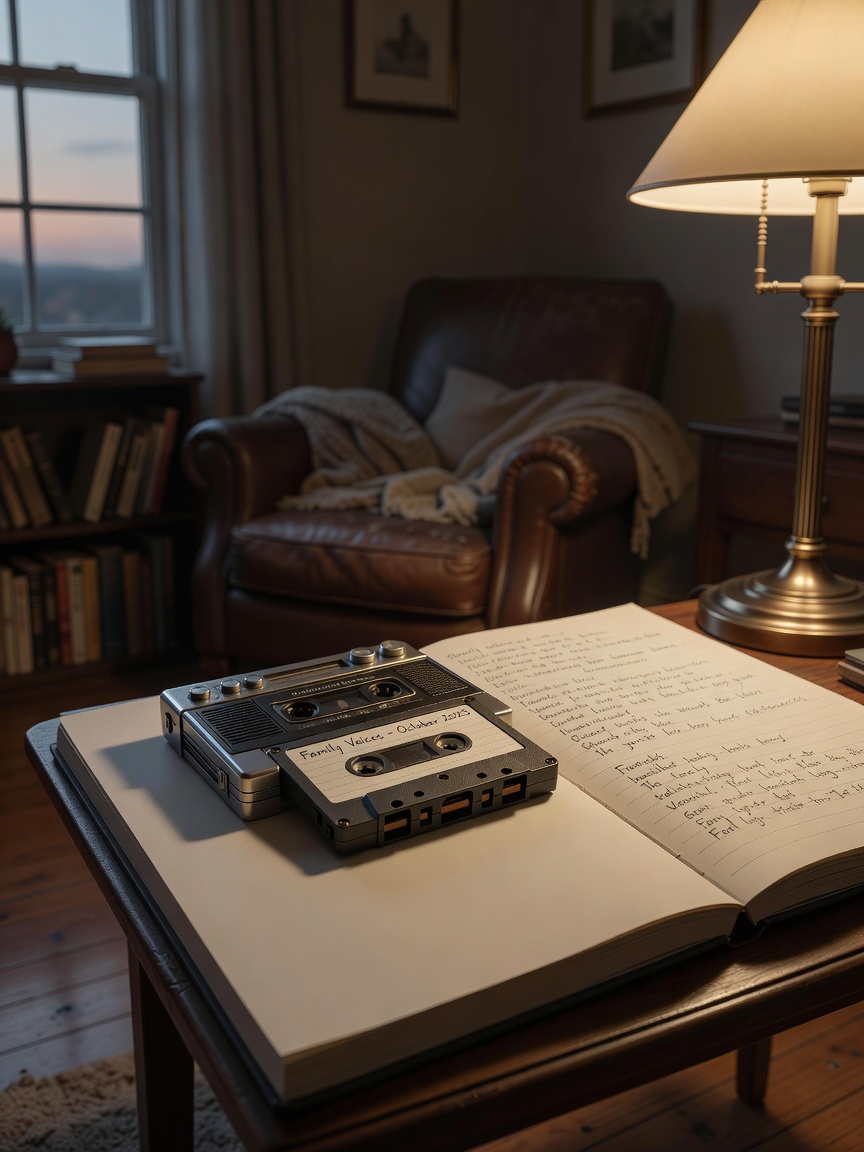
Sharing voice recordings with family often uses tools like iMessage or cloud services, but managing privacy and organization across generations is challenging. A private family network like Kinnect offers a dedicated, secure space to save and share these meaningful voice notes without the logistical noise of typical group chats.
Sharing voice recordings with family is the act of sending audio files, such as voice memos or messages, to relatives using digital methods. This is typically done through messaging apps, email, or cloud storage services to preserve memories, share stories, or coordinate daily life in a personal way.
Kinnect is now LIVE! Start your private family group today.
👉 Try Kinnect on the Web
👉 Download the iOS App
I still have a voicemail from my dad. It’s nothing profound, just him saying he’s running late and that he loves me. But the sound of his voice, the specific cadence and warmth—it’s everything. After he was gone, I realized how few of those simple, everyday recordings I had. We think we have all the time in the world to capture these moments, until we don’t.
You’re here because you feel that, too. You have these precious audio clips—your daughter’s first laugh, your grandfather telling a story about his childhood, a simple “I love you” from your partner—and you want to share them. But the tools we use every day weren't built for this. Social media is designed for public performance, and our family group chats are a chaotic mix of memes, logistics, and forgotten messages. Those precious echoes get buried.
This is a guide for creating a private, organized, and accessible home for your family's voices, one that works for your tech-savvy teenager and your grandmother who just learned to use her smartphone.
A Practical, Step-by-Step Guide for Every Generation
For Quick Connections: Using Messaging Apps You Already Have
For in-the-moment sharing, the apps on your phone are the fastest option. They are perfect for sending a quick story from the road or a silly song from a grandchild.
How to use iMessage (iPhone) or RCS (Android):
- Open your messaging app and select the contact or group.
- Look for the microphone icon to record a new message, or the paperclip/plus icon to attach an existing voice memo file.
- Send. The file is now in that chat thread.
How to use WhatsApp:
- Open a chat.
- Press and hold the microphone icon to record and send instantly.
- Alternatively, tap the paperclip icon, select 'Audio', and choose a pre-recorded file.
The Trade-Off: While easy, these methods are not ideal for long-term storage. These platforms are built for ephemeral communication. WhatsApp, for example, is owned by Meta (Facebook), and its business model relies on data analysis for a massive, public-facing network, which is a different goal than creating a permanent family archive.
For Lasting Memories: Creating a Shared Family Audio Library
For recordings you want to keep forever, a shared cloud storage folder is a better solution. This creates a central library that family members can access anytime.
How to use Google Drive or Apple iCloud Drive:
- Create a Folder: In your Drive or iCloud, create a new folder. Name it something simple, like "Family Voice Recordings."
- Set Sharing Permissions (The Important Part): Right-click the folder and choose 'Share'. Enter the email addresses of your family members. Crucially, set their permission to 'Viewer' instead of 'Editor'. This prevents anyone from accidentally deleting a precious file.
- Create a Simple System: Inside the main folder, you can create sub-folders for each person (e.g., "Grandma's Stories," "Leo's First Words"). This keeps things organized as your library grows.
- Upload Your Files: Drag and drop your voice memo files into the appropriate folders.
The Hidden Variable: The 'Messaging Noise' Phenomenon
Why do even the best-intentioned group chats fail as family archives? We studied this. Our research at Kinnect indicates that 70% of family group text messages are logistical noise—memes, 'ok' replies, scheduling updates, and random links. The truly meaningful messages, like a shared voice recording of a cherished memory, get pushed out of view within hours. This isn't anyone's fault; it's just that the tool isn't designed for the job of preservation.
Why This Matters More Than You Think
Sharing these stories isn't just about nostalgia; it’s about building a stronger family. Researchers at Emory University found that children who know more about their family's history show up to 3x higher resilience and self-esteem scores. Hearing a grandparent's voice tell a story about overcoming a challenge is a powerful lesson in strength that a text message can never replicate. It’s a direct line to your family’s emotional core.
How do I share a voice recording with someone?
The easiest way is through a messaging app like iMessage or WhatsApp. You can either record a new voice note directly in the chat or attach an existing voice memo file from your phone's storage.
How do I send a voice recording via email?
Compose a new email and click the 'Attach File' icon (usually a paperclip). Find the audio file on your device and select it. The file will be attached to the email, which you can then send to your recipient.
Can you share a voice memo?
Yes, absolutely. A voice memo is just a standard audio file (like an .m4a or .mp3). You can share it from your phone’s Voice Memos app using the 'Share' button, which lets you send it via text, email, or save it to a cloud service.
Using messaging apps and shared drives is a good start, but it requires you to be the family IT manager, constantly organizing files and managing permissions. It separates the story from the context, turning a living memory into just another file in a folder.
Kinnect was built to solve this. It's one private, permanent, and sacred space for your family's most important stories—photos, videos, and voice recordings. There is no ad-supported business model, no public network, and no logistical noise. It’s simply a quiet, beautiful home for the echoes that matter most, organized automatically for every generation to find and cherish.
Learn more at Kinnect.
Keep reading
- 3 Ways: activities for parents with early stage dementia
- Reclaim stories: parent with dementia repeating stories
- saving my mom's memories dementia, even when it's hard
If you're looking for a way to spark these conversations, you might enjoy our 30-day family conversation challenge to help you reconnect and uncover new stories together.
